How to Keep Inventory Updated When Selling on Multiple Marketplaces
Selling on several marketplaces means one pool of stock and many live listings. To manage inventory across multiple marketplaces, you need a routine that moves faster than your sales. This guide compares three simple approaches, from a basic manual routine to automatic sync, so you can choose what fits your business.
Why It Is Hard to Manage Inventory Across Multiple Marketplaces
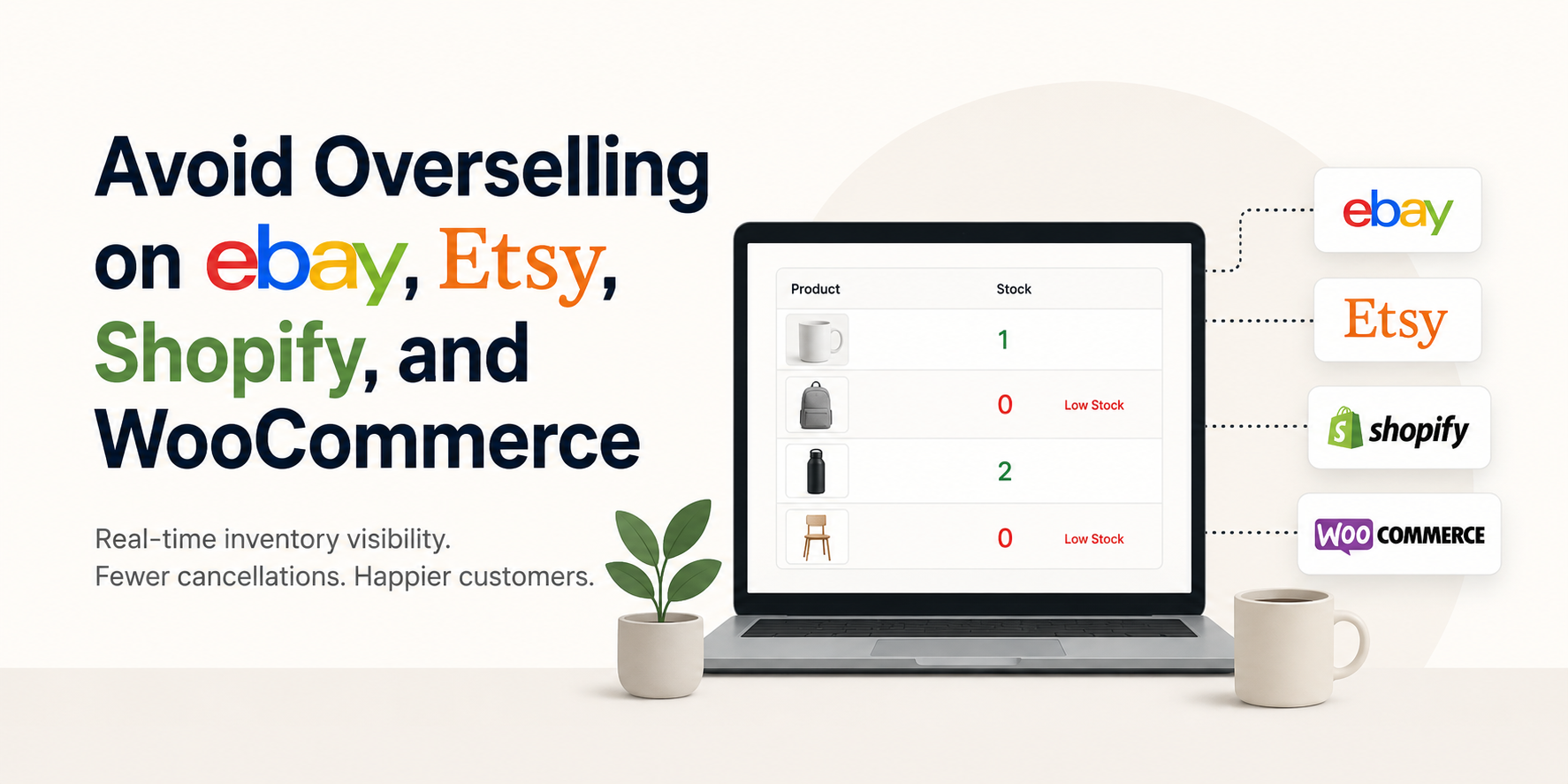
Each marketplace tracks its own stock. eBay, Etsy, Shopify, and WooCommerce do not share counts with one another. Consequently, a sale on one channel leaves every other listing showing the old number. The longer that gap lasts, the more likely an oversell becomes.
Speed is the real challenge. A slow update lets a second buyer order stock you no longer have. Therefore, your goal is to shrink the time between a sale and every update.
Option One: Manual Inventory Management Across Multiple Marketplaces
A manual routine can help you manage inventory across multiple marketplaces when your catalog is small. First, check each marketplace at set times, such as morning, noon, and evening. Next, update every count right after a sale. Additionally, keep one master list so you always know your true total. The Shopify Help Center explains how to adjust quantities inside your store.
This approach costs nothing, but it demands discipline. Moreover, it breaks down on busy days.
Option Two: Track Inventory Across Multiple Marketplaces With Alerts
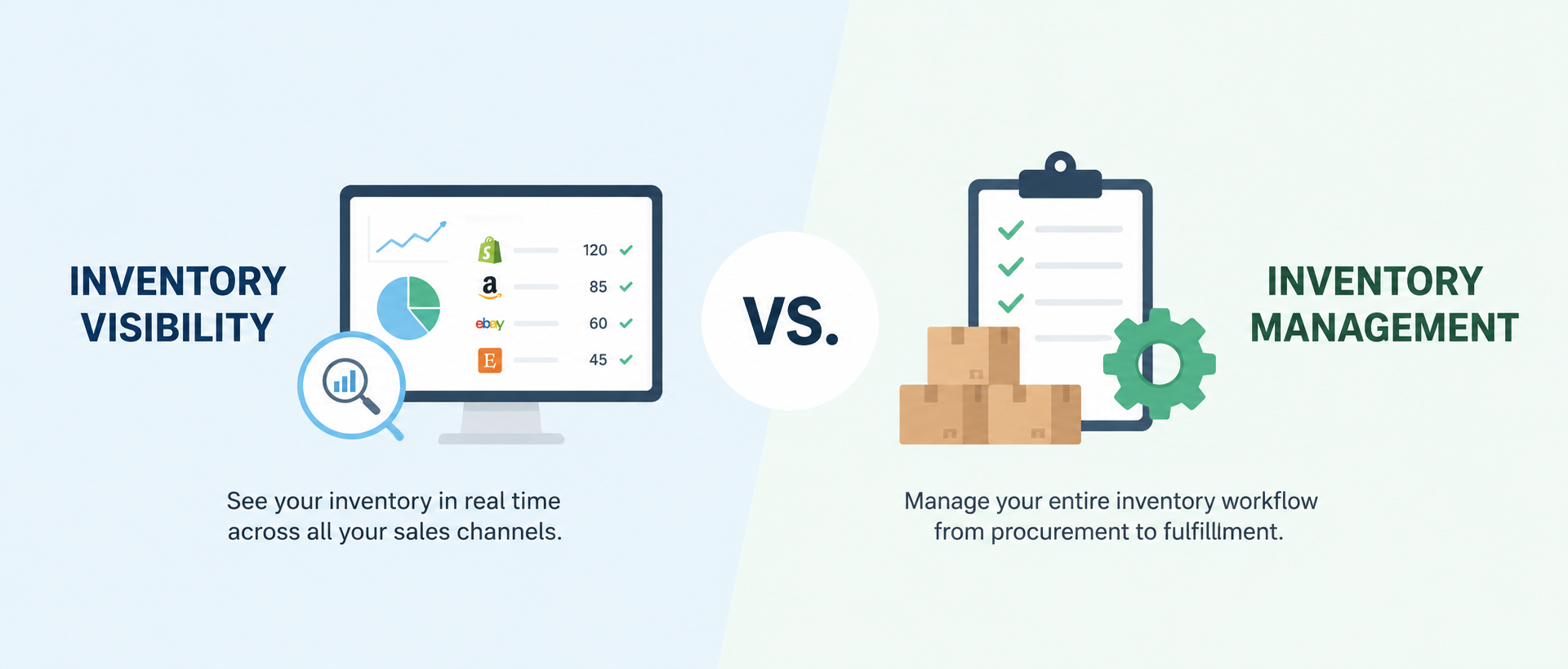
A visibility tool shows live stock from every marketplace in one dashboard. It sends an alert when an item runs low or sells out. Then you update the other listings yourself. As a result, you react within minutes instead of hours. You also stay in control of every number on your listings. The article on what inventory visibility software actually does explains this approach in more detail.
Option Three: Automatic Inventory Synchronization Across Marketplaces
Automatic sync tools push new stock counts to every marketplace for you. That saves time, especially at high volume. However, a SKU mismatch or a connection error can send wrong numbers to live listings. Therefore, many sellers still watch these tools closely. For example, WooCommerce’s product documentation shows how stock is set for each product.
How to Manage Inventory Across Multiple Marketplaces Without Losing Control
Most small sellers do best with a blend of the first two options. First, keep a clear record of the stock you have available across your sales channels. Next, hold one unit back as a buffer on popular items if overselling is a concern. Finally, add alerts so you hear about problems quickly. The Etsy Seller Handbook also stresses accurate listings, so build that habit early.
SyncLink66 supports this middle path. Specifically, it connects Shopify, Etsy, eBay, and WooCommerce through a simple sign in and shows stock across all four in one dashboard. Additionally, alerts arrive for low stock and out of stock items, and your listings never change on their own. On the free plan, the dashboard refreshes every 30 minutes. On the Pro plan at $19.99 per month, tracking runs in real time. You can install it from the Shopify App Store.
Keep Reading
Visibility guides
- Inventory Visibility Best Practices
The daily habits that keep stock counts reliable. - Signs of Poor Inventory Visibility
Warning signs that your current system is slipping. - How to Improve Inventory Visibility
A step by step setup for clearer stock awareness. - How to Avoid Overselling on Four Marketplaces
What causes oversells and how to prevent them.
Tool comparisons
- SyncLink66 vs Trunk
Automatic sync compared with visibility alerts. - SyncLink66 vs Sumtracker
A full inventory platform next to a focused visibility tool. - SyncLink66 vs Sellbrite
How the two fit different seller sizes.
Ready to try it? See SyncLink66 pricing.
The Bottom Line
The best way to manage inventory across multiple marketplaces is the one you will follow every day. Start with a reliable record of your available stock and a small buffer where needed. Then add alerts as your volume grows. Consequently, you stay ahead of every sale and always know where your stock stands.