Avoid Overselling on eBay, Etsy, Shopify, and WooCommerce
If you sell on more than one platform, you already know the feeling. A notification comes in, and for half a second you cannot tell if it is good news or bad news. Did something sell, or did something just sell out somewhere you have not checked yet? This guide is about how to avoid overselling on eBay, Etsy, Shopify, and WooCommerce, so that half second of dread stops being the cost of doing business in multiple places at once.
Why You Need to Avoid Overselling on eBay, Etsy, Shopify, and WooCommerce
Overselling happens when the same item sells in two places before you can take it down everywhere else. You list one mug on eBay, Etsy, and your WooCommerce store. It sells on Etsy at lunch. By the time you see the notification, someone has already bought it on eBay too. Now you owe two people the same mug, and you only have one.
On eBay specifically, this is not just an awkward email to send. Canceled orders count against your transaction defect rate, and eBay tracks that number closely under its seller standards policy. Too many defects and you can lose Top Rated Seller status, drop in search rankings, or face account restrictions. For sellers who depend on eBay for real income, that is not a minor inconvenience. It is the thing that keeps people checking their phone at midnight.
The Old Fix: Hand Everything Over to Automation
Most inventory tools promise to avoid overselling on eBay through full automation. The moment something sells on one channel, the software rewrites your stock numbers everywhere else without asking you first. That sounds appealing on paper. In practice, it trades one risk for another.
Automated sync tools depend on stable APIs, clean SKU matching, and connections that never glitch. When any of that breaks, even briefly, the system can overwrite your listings with wrong numbers and you will not know until a customer messages you about an order that should not exist. You handed over the keys, and now a software bug is making decisions about your store while you are not looking. If you want to see how this plays out in practice, our comparisons with Trunk and Sellbrite walk through exactly where full automation can leave you exposed.
How SyncLink66 Helps You Avoid Overselling Without Full Automation
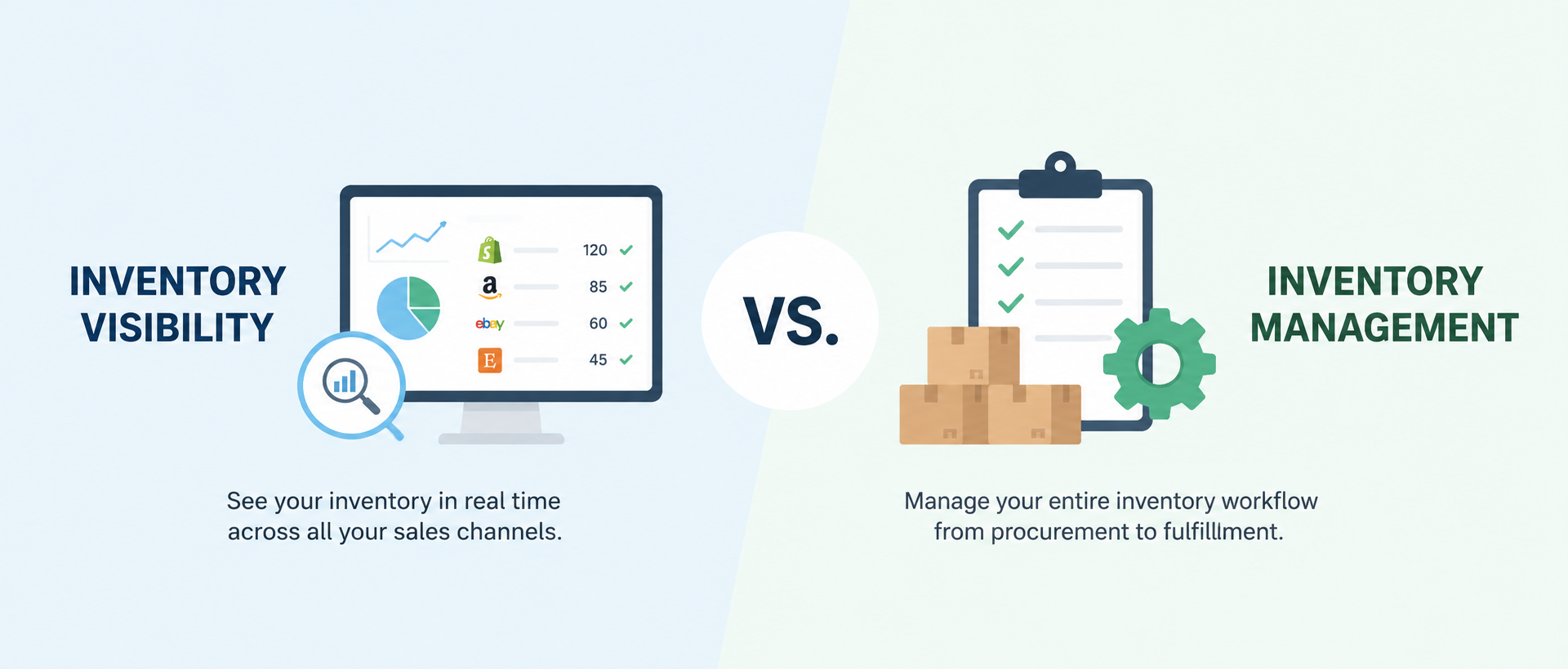
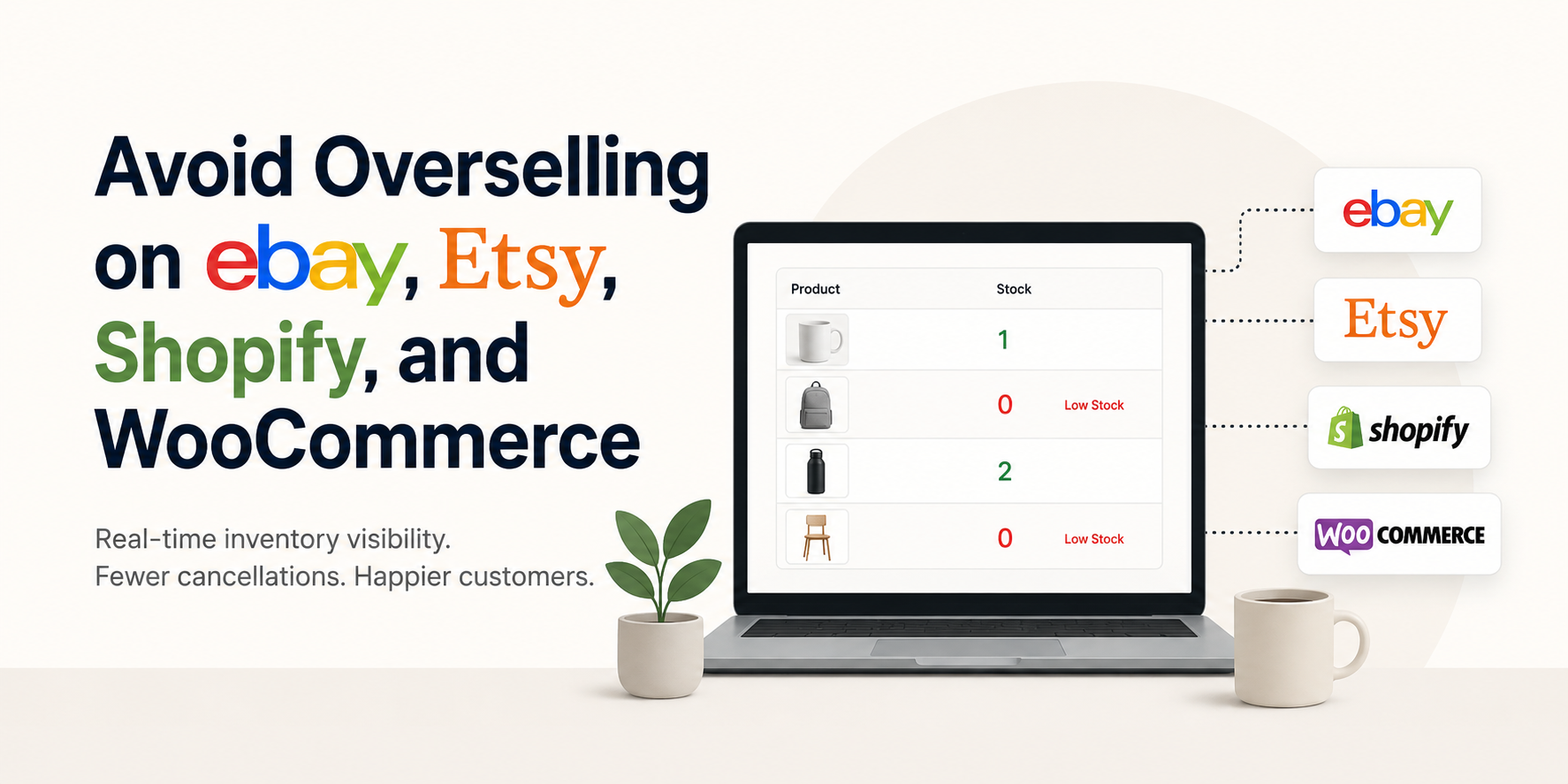
SyncLink66 takes a narrower, more deliberate approach. Instead of automatically rewriting your stock numbers across eBay, Etsy, Shopify, and WooCommerce, it gives you one dashboard with real-time visibility into all four. The moment something sells or runs low anywhere, you get an alert that takes you straight to the listing so you can update it yourself.
That small difference matters more than it sounds. You get the speed of real-time alerts without a system quietly making changes to your live listings on your behalf. If a sync ever looks wrong, you catch it before it becomes a canceled order, not after. You stay the one in control of your own catalog.
Setup
SyncLink66 connects through OAuth. You sign in with your existing eBay, Etsy, Shopify, or WooCommerce credentials, authorize the connection, and your dashboard is ready within minutes. There is no warehouse setup and nothing to configure beyond connecting your stores. One thing worth noting: SyncLink66 works best when your products share consistent SKUs across platforms. If your listings use different identifiers on each channel, you will want to standardize those before connecting, since the dashboard matches products by SKU rather than by title.
Pricing
SyncLink66 starts with a free plan covering up to two stores and 25 products, with the dashboard refreshing every 30 minutes. The Pro plan is a flat $19.99 per month, removing those limits with unlimited stores, unlimited products, and instant alerts the moment something happens on any connected platform. You can see the full breakdown on the pricing page.
How to Avoid Overselling Going Forward
A few habits go a long way no matter what tools you use. Check your dashboard regularly instead of relying on memory. Keep a small buffer on fast-moving items so a delay in updating one channel does not turn into an oversold order. And choose a system that tells you the moment something changes, rather than one you have to guess is working correctly in the background.
The goal is not to remove yourself from the process entirely. It is to remove the guesswork, so you find out about a sale in seconds instead of hours, and you are always the one deciding what happens next.
The Bottom Line
Whether you sell on one platform or all four, the way to avoid overselling on eBay, Etsy, Shopify, or WooCommerce is to see what is happening across all your stores at once. SyncLink66 gives you that visibility in real time, with alerts that put you in control instead of a system making changes you cannot see.
You can start for free at synclink66.com.